HOME BLOG KNOTTYTALES EYESHOT WIFW ASIDEBRANDS


Camera 360 : Android App : Review

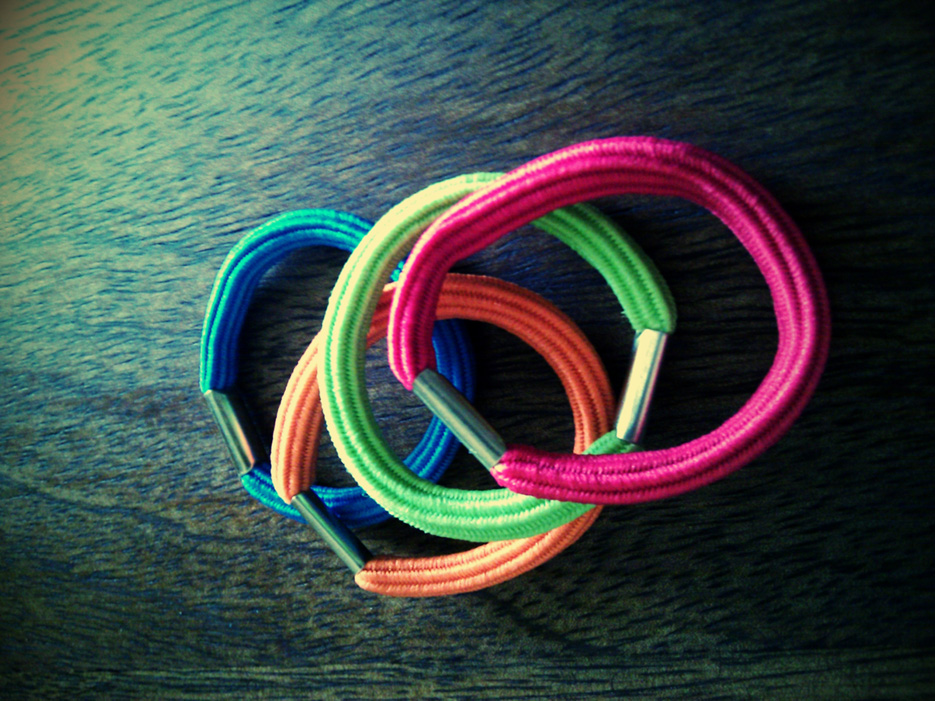
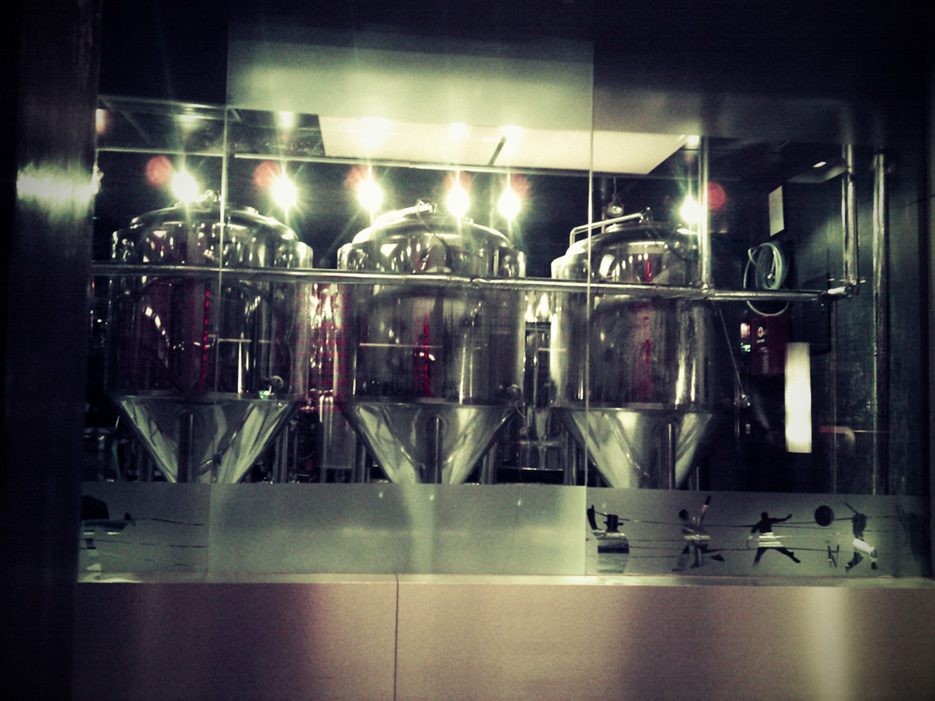
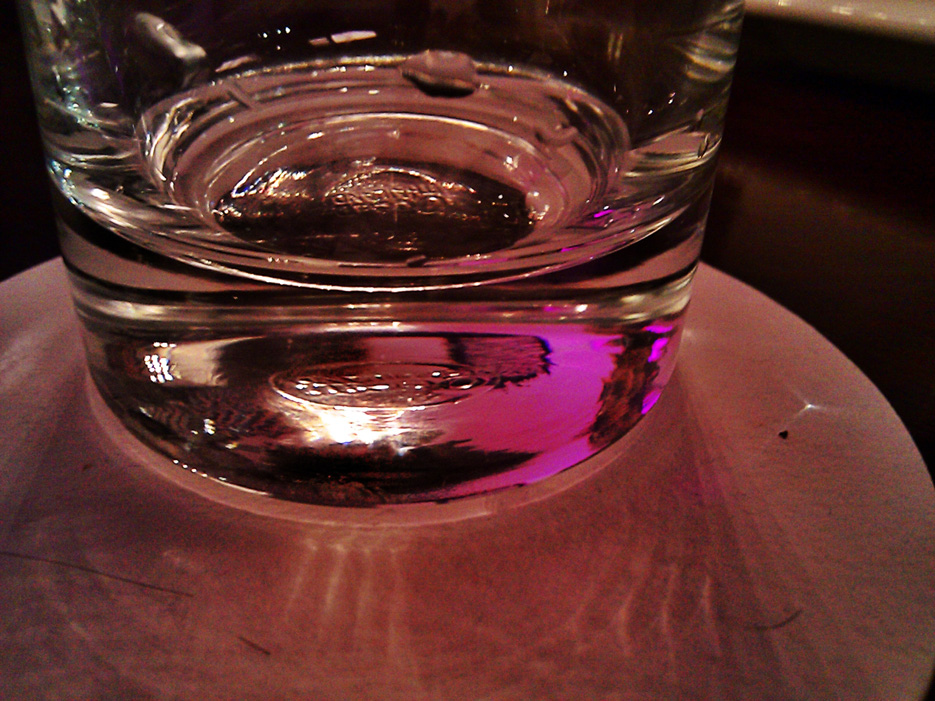
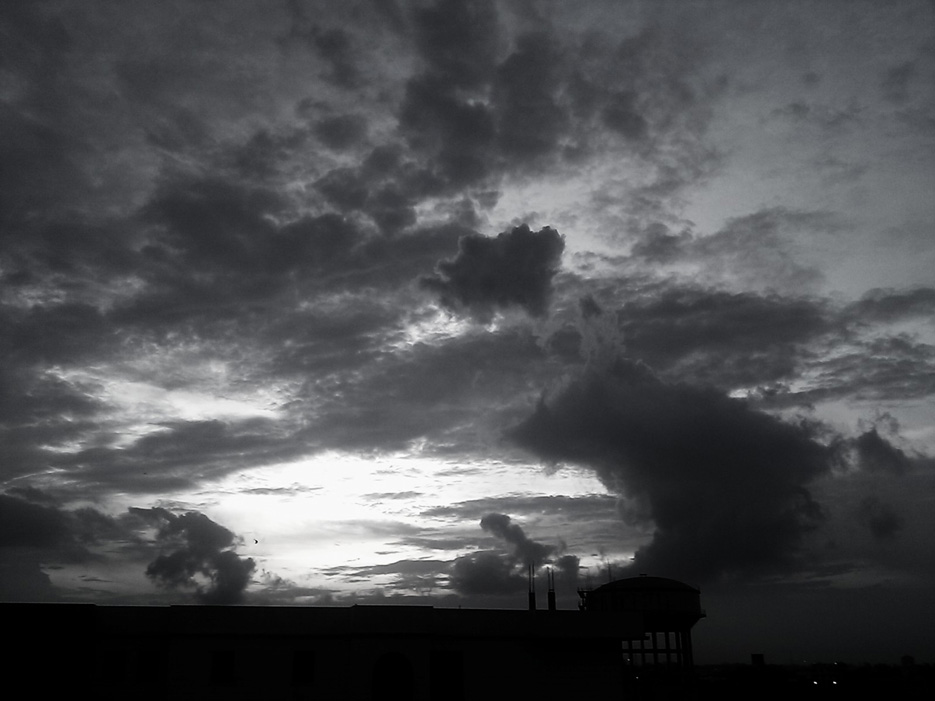
Camera 360 is a mobile phone application for your Android. I used the Nexus One for this review. First things first : this app has a mind-bending number of options and effects available. 90% of them are available on the free version and the developers are only now creating some additional options for the Pro / paid version. Let me make it clear at the outset – this is the only paid app on my Nexus One. THAT is how good an app this is.

Camera360ReviewPhone01 Camera 360 : Android App : Review Naina.co photography

Camera360ReviewPhone03 Camera 360 : Android App : Review Naina.co photography

Camera360ReviewPhone05 Camera 360 : Android App : Review Naina.co photography

Camera360ReviewPhone07 Camera 360 : Android App : Review Naina.co photography

Camera360ReviewPhone09 Camera 360 : Android App : Review Naina.co photography

Camera360ReviewPhone11 Camera 360 : Android App : Review Naina.co photography

Camera360ReviewPhone13 Camera 360 : Android App : Review Naina.co photography

Camera360ReviewPhone15 Camera 360 : Android App : Review Naina.co photography

Camera360ReviewPhone17 Camera 360 : Android App : Review Naina.co photography

Camera360ReviewPhone02 Camera 360 : Android App : Review Naina.co photography

Camera360ReviewPhone04 Camera 360 : Android App : Review Naina.co photography

Camera360ReviewPhone06 Camera 360 : Android App : Review Naina.co photography

Camera360ReviewPhone08 Camera 360 : Android App : Review Naina.co photography

Camera360ReviewPhone10 Camera 360 : Android App : Review Naina.co photography

Camera360ReviewPhone12 Camera 360 : Android App : Review Naina.co photography

Camera360ReviewPhone14 Camera 360 : Android App : Review Naina.co photography

Camera360ReviewPhone16 Camera 360 : Android App : Review Naina.co photography

Camera360ReviewPhone18 Camera 360 : Android App : Review Naina.co photography

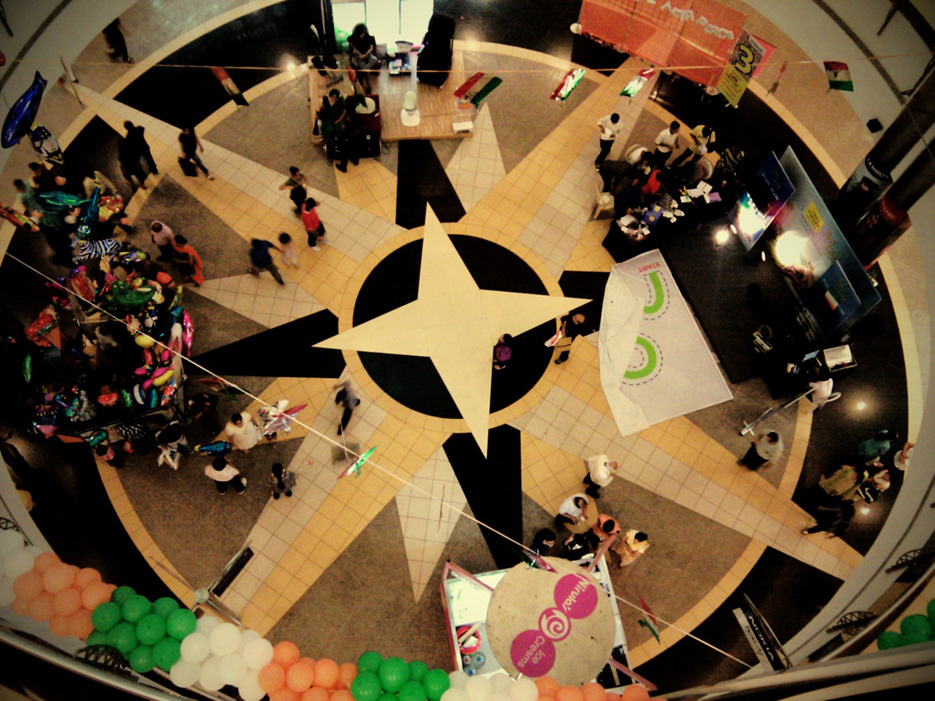
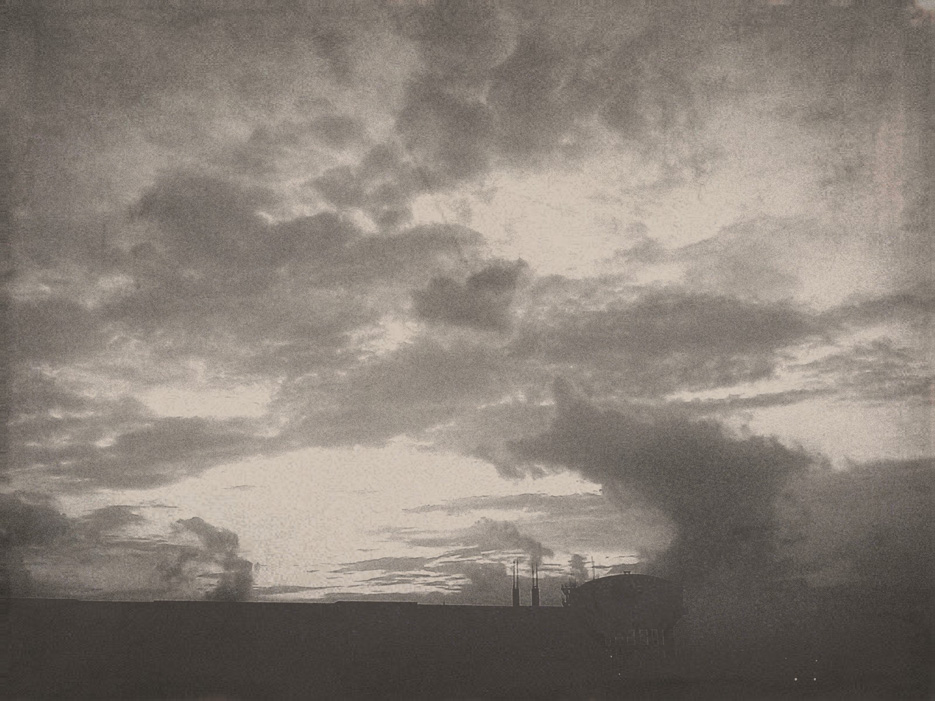
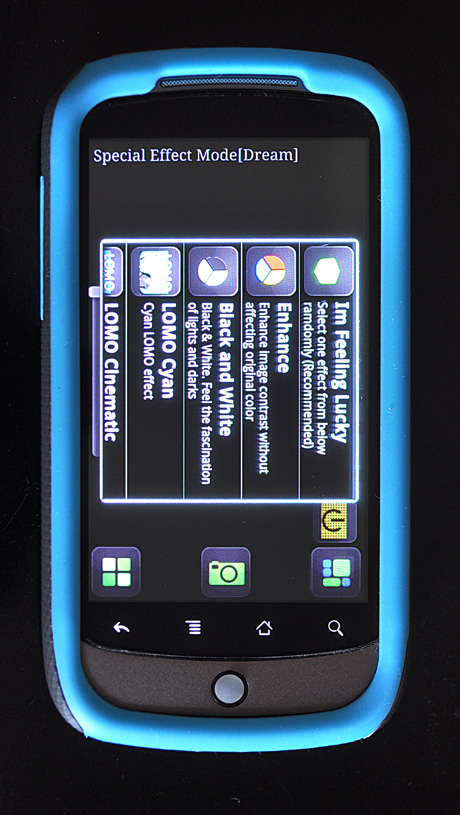
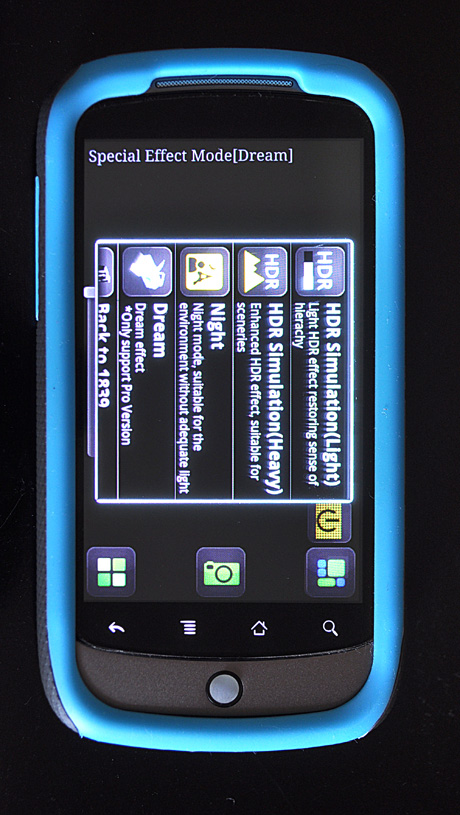
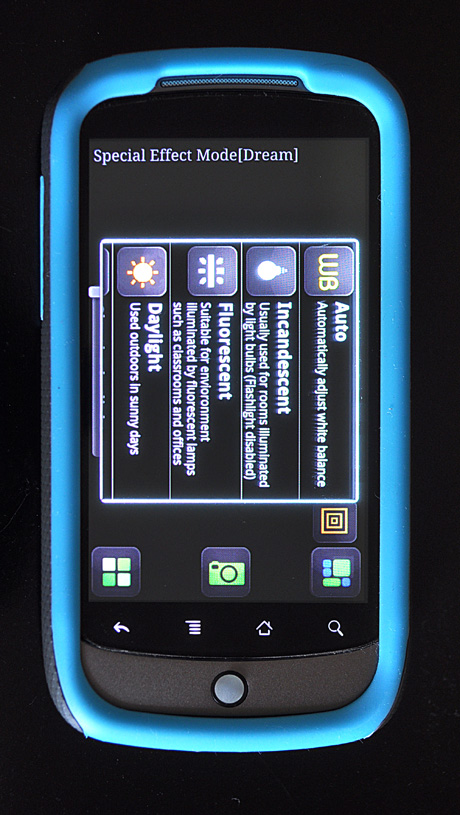
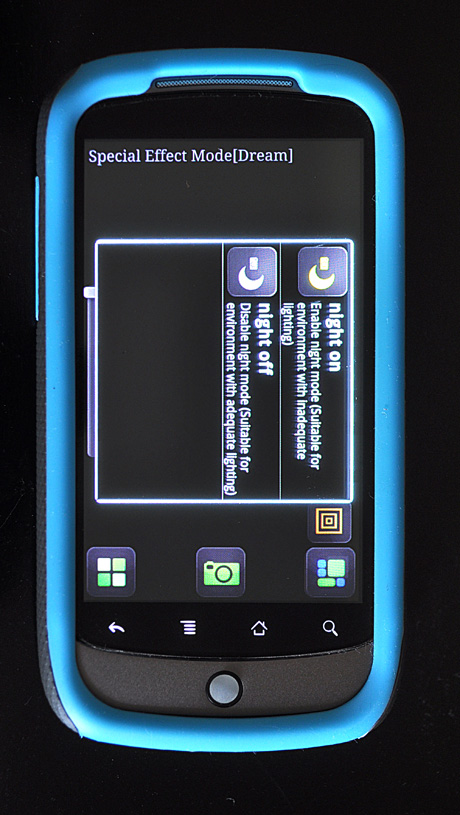
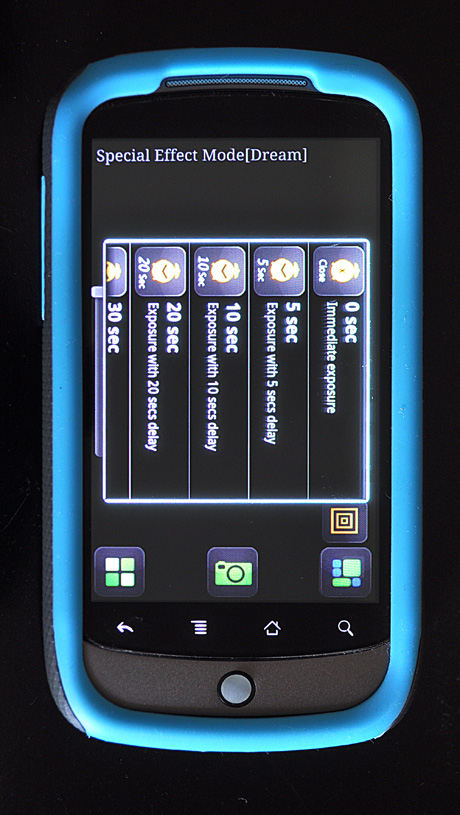
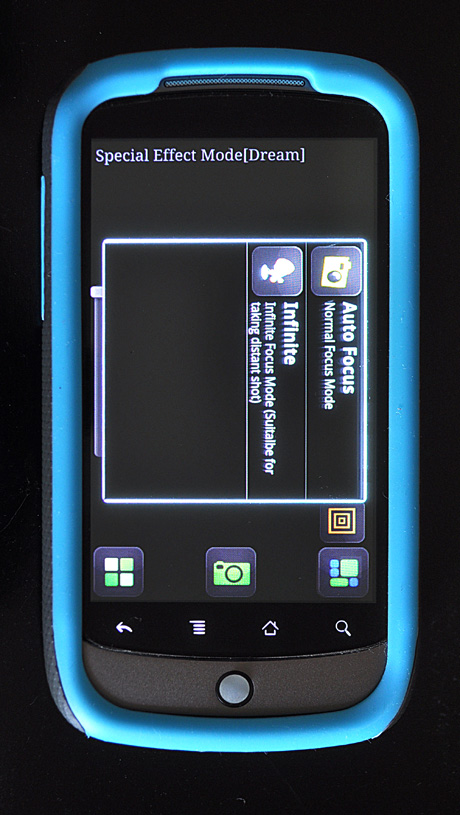
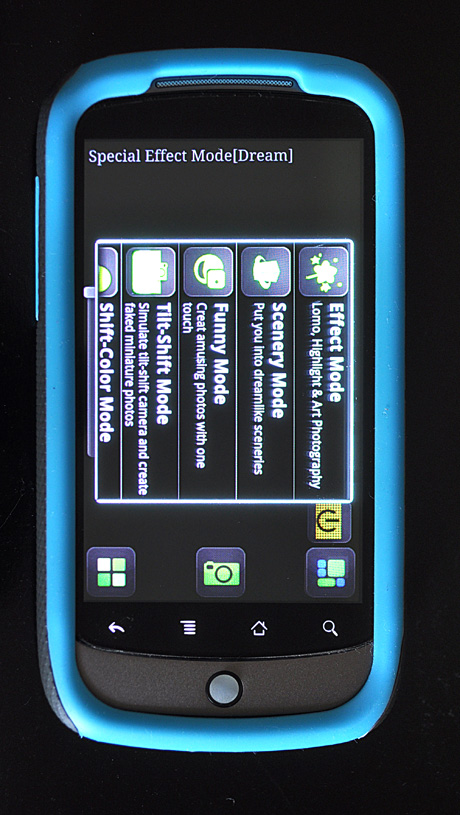
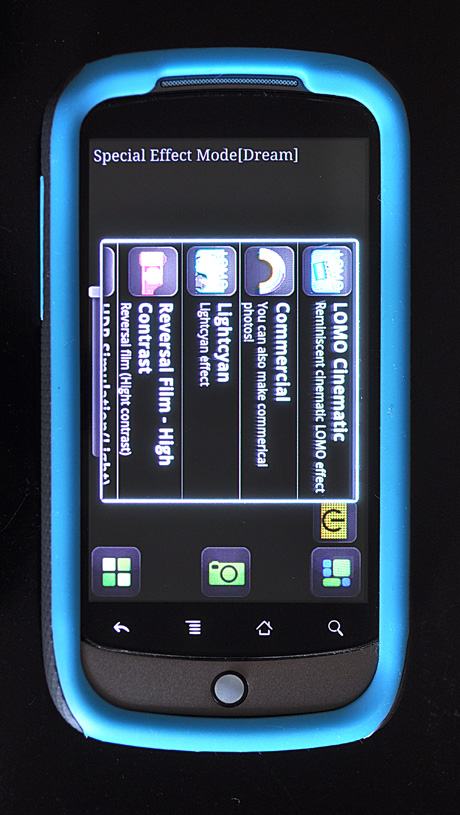
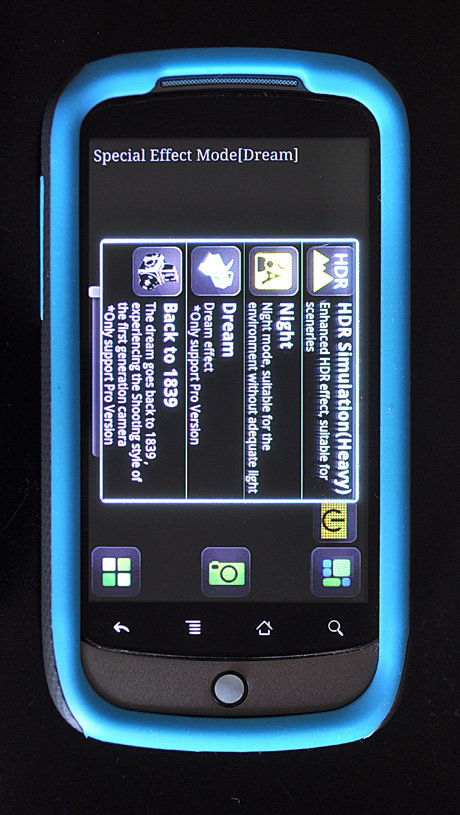
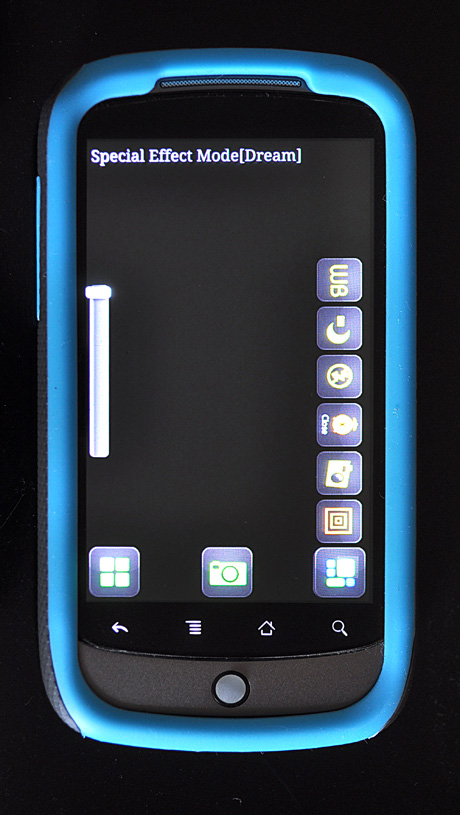
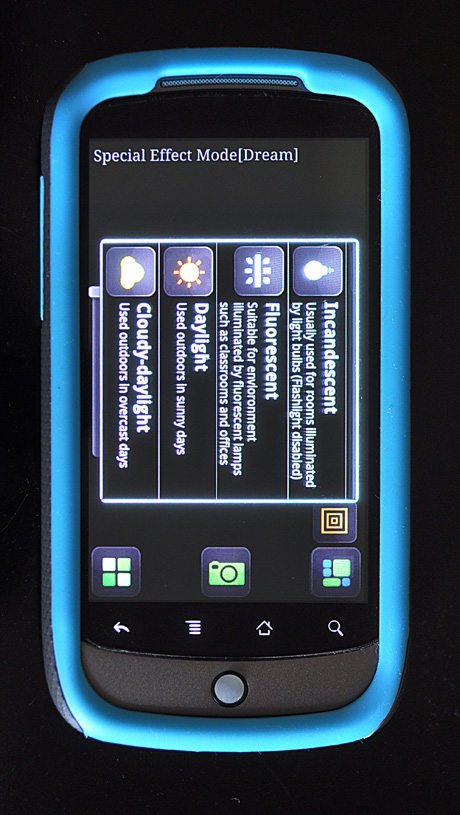
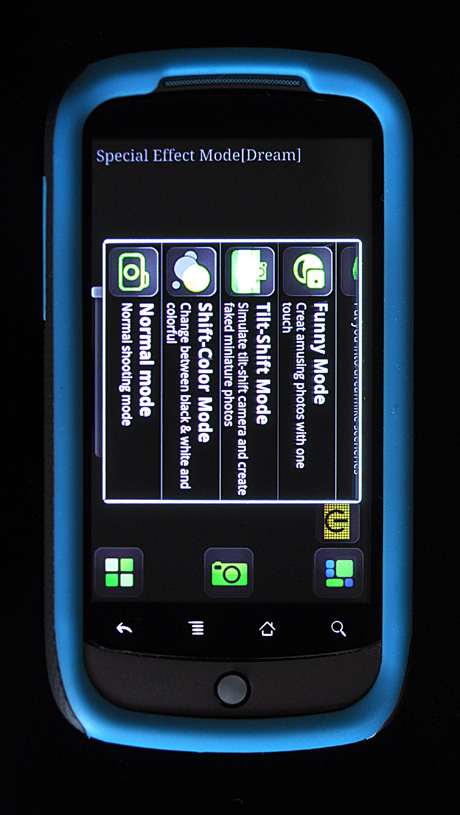
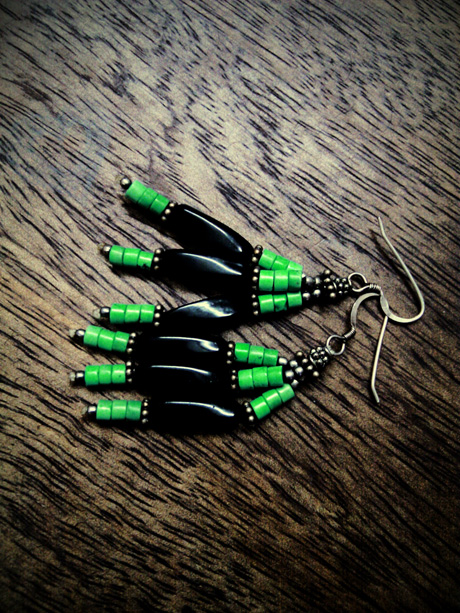
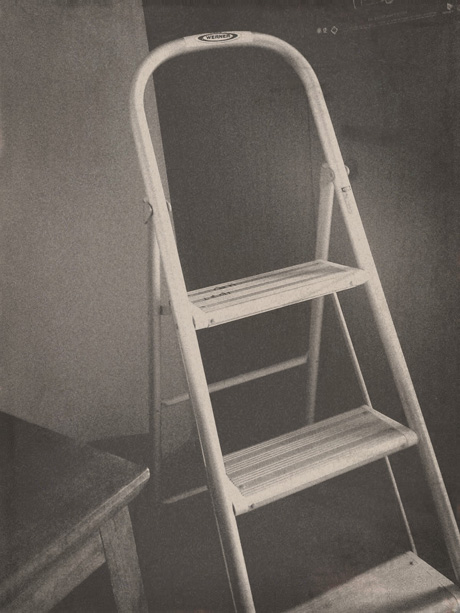
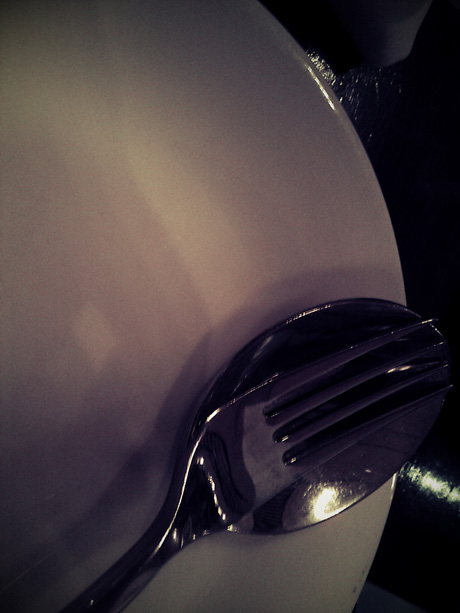
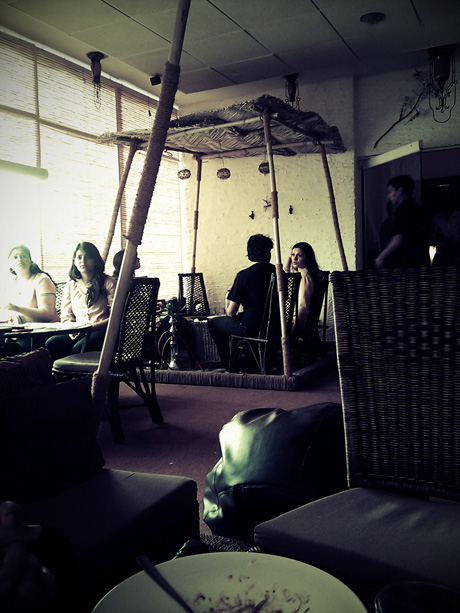
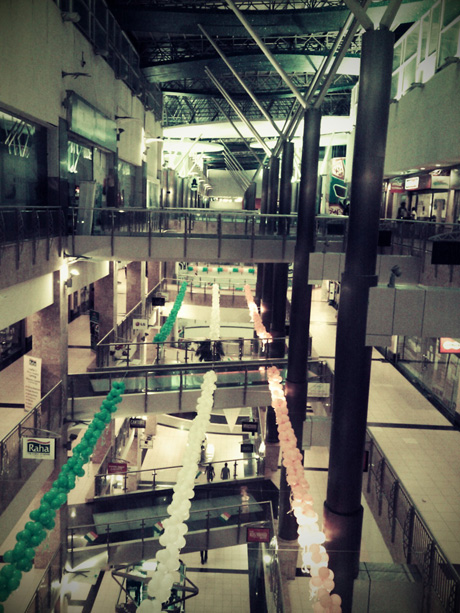
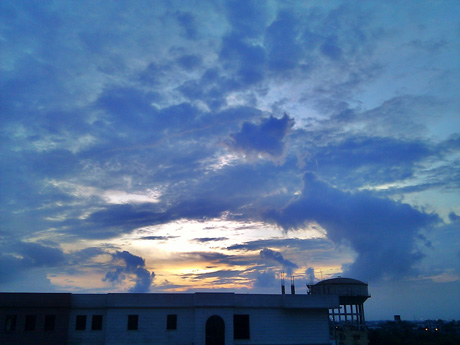
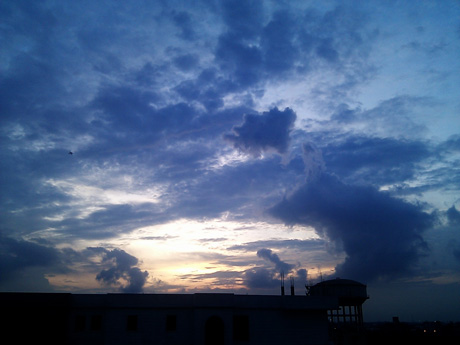
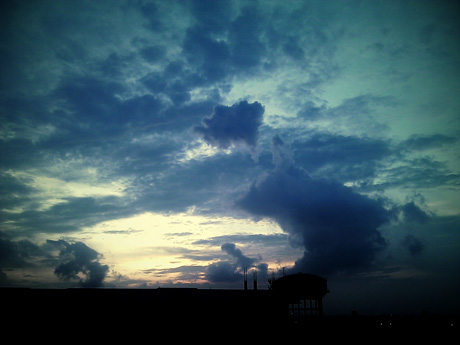
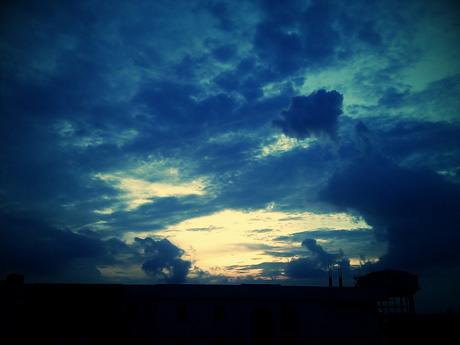
Those are all the screenshots of all the various modes and features available on the Camera 360 app. The phone in the photographs is my Google Nexus One. The feature / shooting options list includes Effects, which has I’m Feeling Lucky that randomizes the effect; Enhance that increases contrast; Black and White; LOMY cyan; LOMO Cinematic; Commercial; LightCyan; Reversal Film; HDR Simulation Light; HDR Simulation Heavy; Night and the Dream effect available only on the Pro version as well as the fantastic Back to 1839 also available on the Pro version.

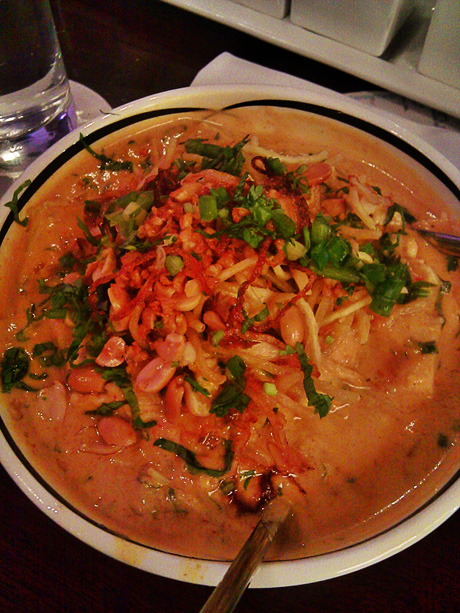
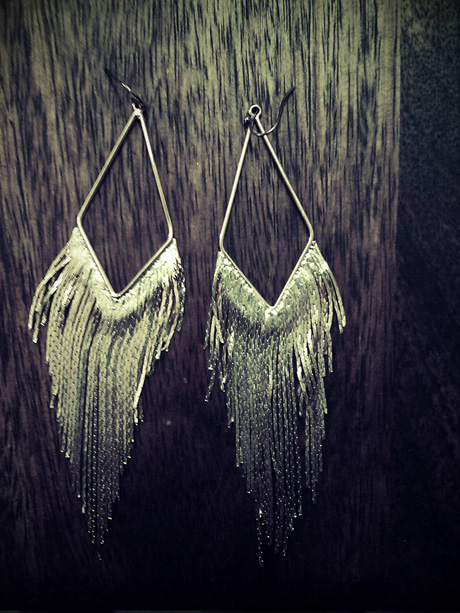
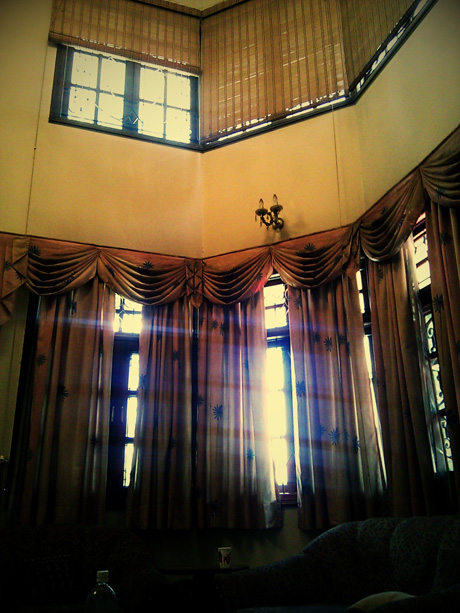
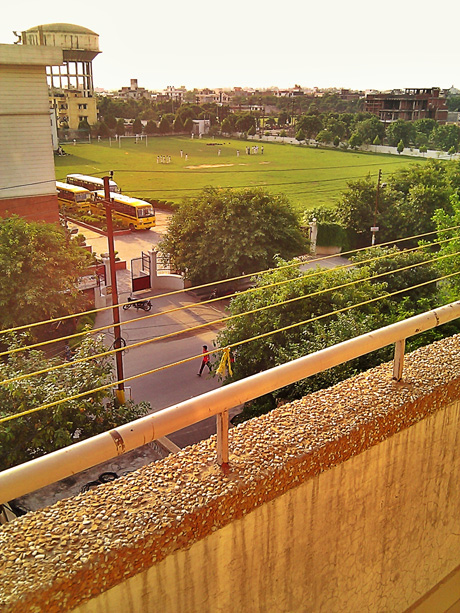
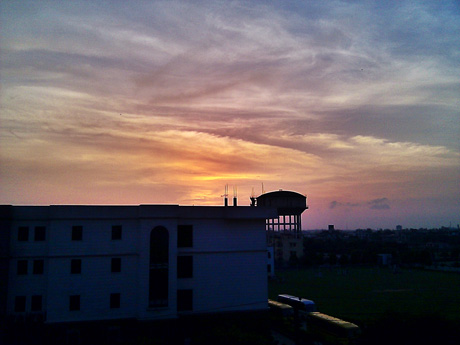
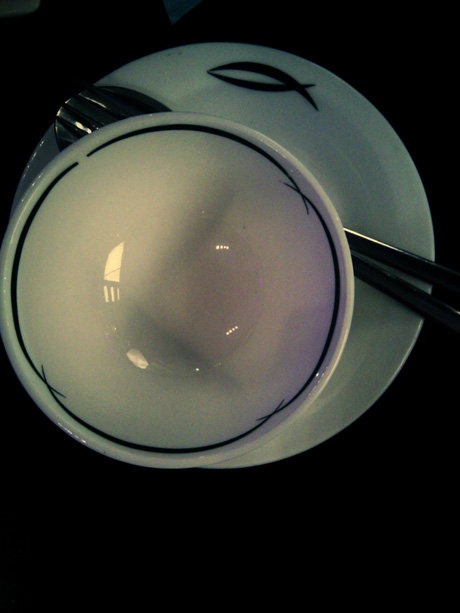
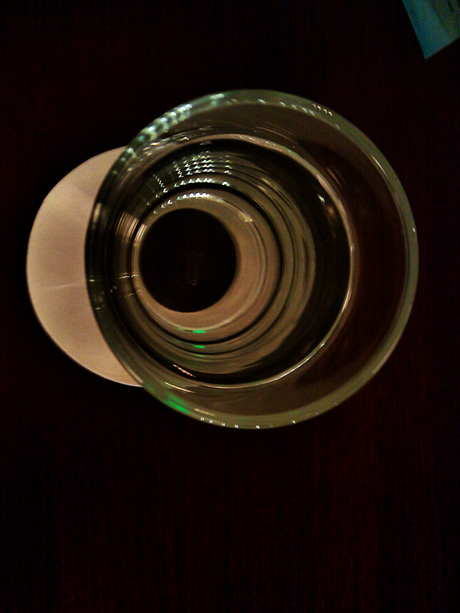
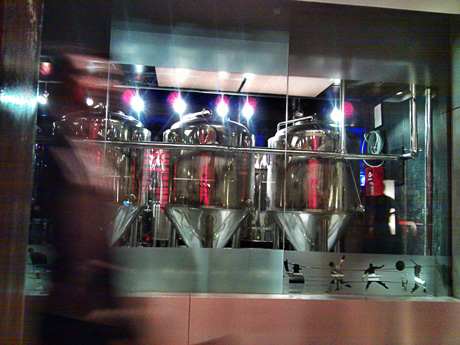
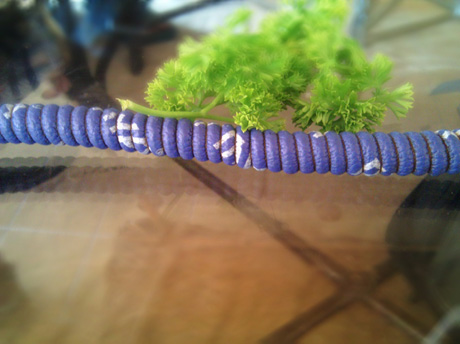
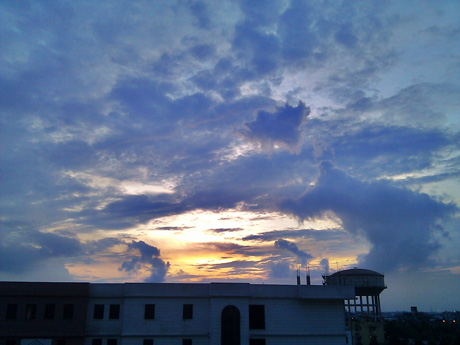
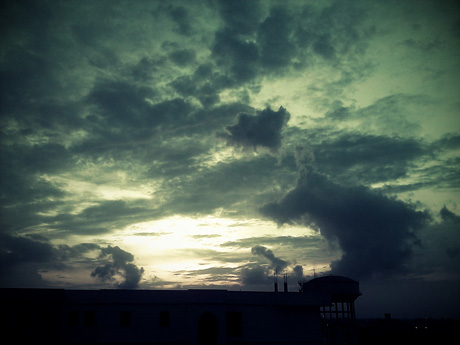
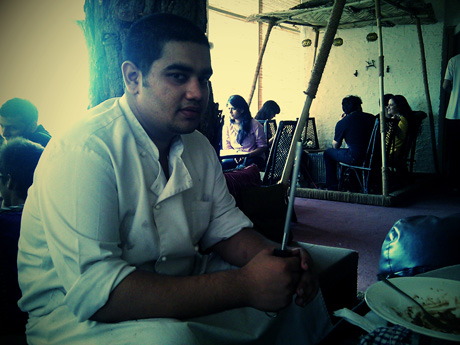
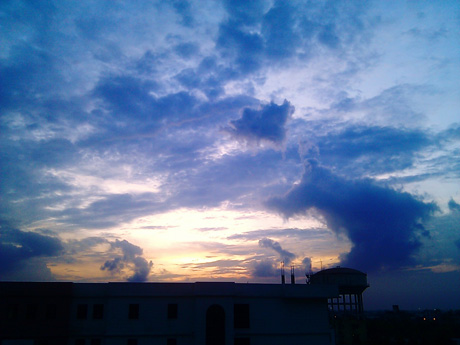
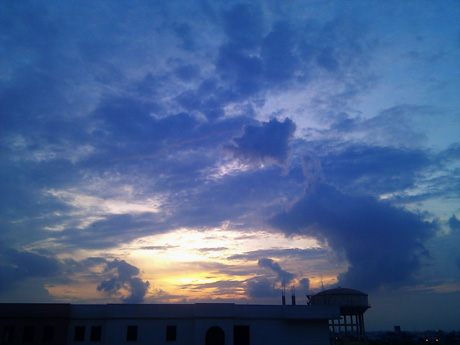
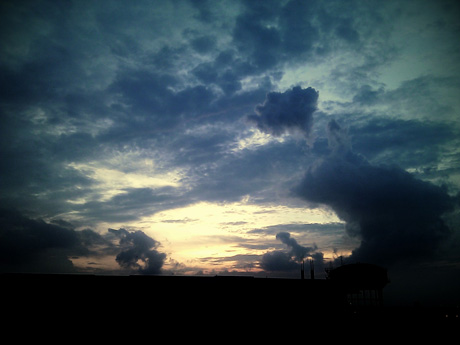
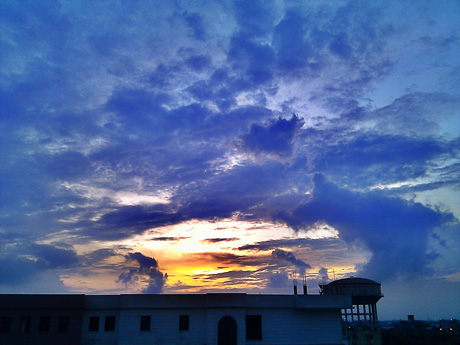
And that’s just the EFFECT mode. Below you’ll find photographs with the various modes applied to them and some more descriptive information on other modes.

Camera360ReviewPhoto04 Camera 360 : Android App : Review Naina.co photography

Camera360ReviewPhoto01 Camera 360 : Android App : Review Naina.co photography

Camera360ReviewPhoto03 Camera 360 : Android App : Review Naina.co photography

Camera360ReviewPhoto05 Camera 360 : Android App : Review Naina.co photography

Camera360ReviewPhoto09 Camera 360 : Android App : Review Naina.co photography

Then there’s a Scenery Mode where your photograph shows up inside another photograph of a dude painting a canvas. The Funny Mode has options for Surrealist Painting; Surrealist Color Painting; Line Sketch; Four-color poster; Fish eye; Vertical left symmetry; Vertical right symmetry; Horizontal left symmetry & Horizontal right symmetry.

Camera360ReviewPhoto11 Camera 360 : Android App : Review Naina.co photography

Camera360ReviewPhoto13 Camera 360 : Android App : Review Naina.co photography

Camera360ReviewPhoto15 Camera 360 : Android App : Review Naina.co photography

Camera360ReviewPhoto02 Camera 360 : Android App : Review Naina.co photography

Camera360ReviewPhoto06 Camera 360 : Android App : Review Naina.co photography

Camera360ReviewPhoto08 Camera 360 : Android App : Review Naina.co photography

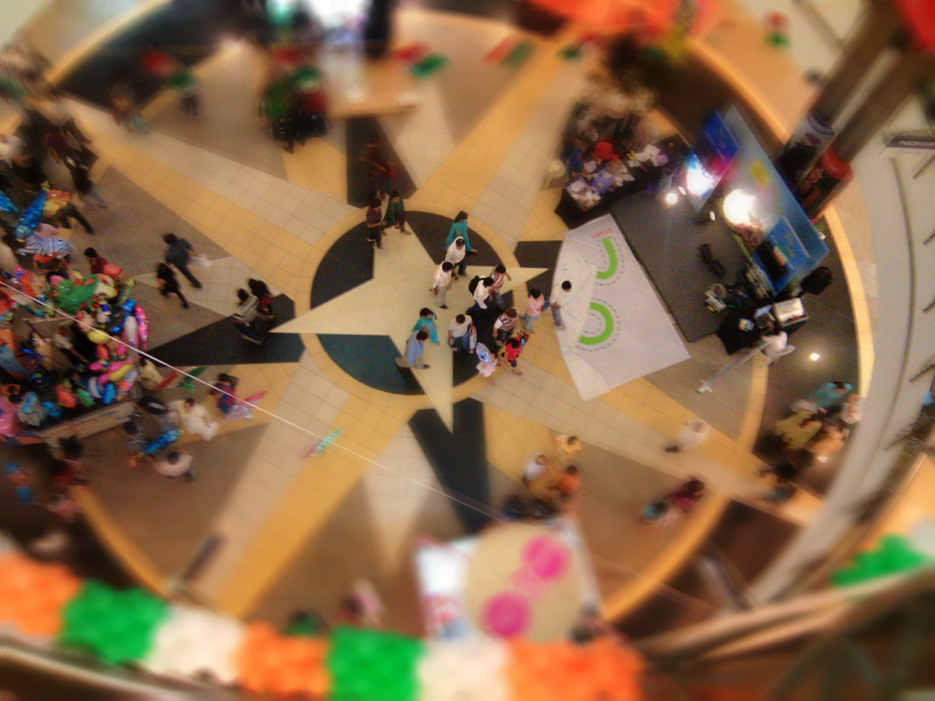
If that isn’t enough, there’s also a Tilt-Shift mode! While it obviously doesn’t give an effect like a real tilt-shift lens, if you know what the right situation is to use a tilt-shift lens, you’ll probably be thrilled with this mode. You can fine-tune the amount of blurriness, the transition smoothness, a faster effect or a more time-consuming simulation, etc.

Camera360ReviewPhoto07 Camera 360 : Android App : Review Naina.co photography

Camera360ReviewPhoto12 Camera 360 : Android App : Review Naina.co photography

Camera360ReviewPhoto14 Camera 360 : Android App : Review Naina.co photography

Camera360ReviewPhoto16 Camera 360 : Android App : Review Naina.co photography

Like with any other piece of equipment / filters, one needs to know what to shoot and what subject will get some character enhancement on using a particular shooting mode.

Camera360ReviewPhoto10 Camera 360 : Android App : Review Naina.co photography

Camera360ReviewPhoto18 Camera 360 : Android App : Review Naina.co photography

Camera360ReviewPhoto20 Camera 360 : Android App : Review Naina.co photography

Camera360ReviewPhoto22 Camera 360 : Android App : Review Naina.co photography

The Shift-Color mode allows you to focus on one particular spot in a scene and convert all other colors to black and white – but keep the color you’re focussed on.

Camera360ReviewPhoto19 Camera 360 : Android App : Review Naina.co photography

Camera360ReviewPhoto21 Camera 360 : Android App : Review Naina.co photography

Camera360ReviewPhoto23 Camera 360 : Android App : Review Naina.co photography

Camera360ReviewPhoto17 Camera 360 : Android App : Review Naina.co photography
Camera360ReviewPhoto35 Camera 360 : Android App : Review Naina.co photography

Camera360ReviewPhoto26 Camera 360 : Android App : Review Naina.co photography

Camera360ReviewPhoto28 Camera 360 : Android App : Review Naina.co photography

Camera360ReviewPhoto30 Camera 360 : Android App : Review Naina.co photography

Camera360ReviewPhoto32 Camera 360 : Android App : Review Naina.co photography

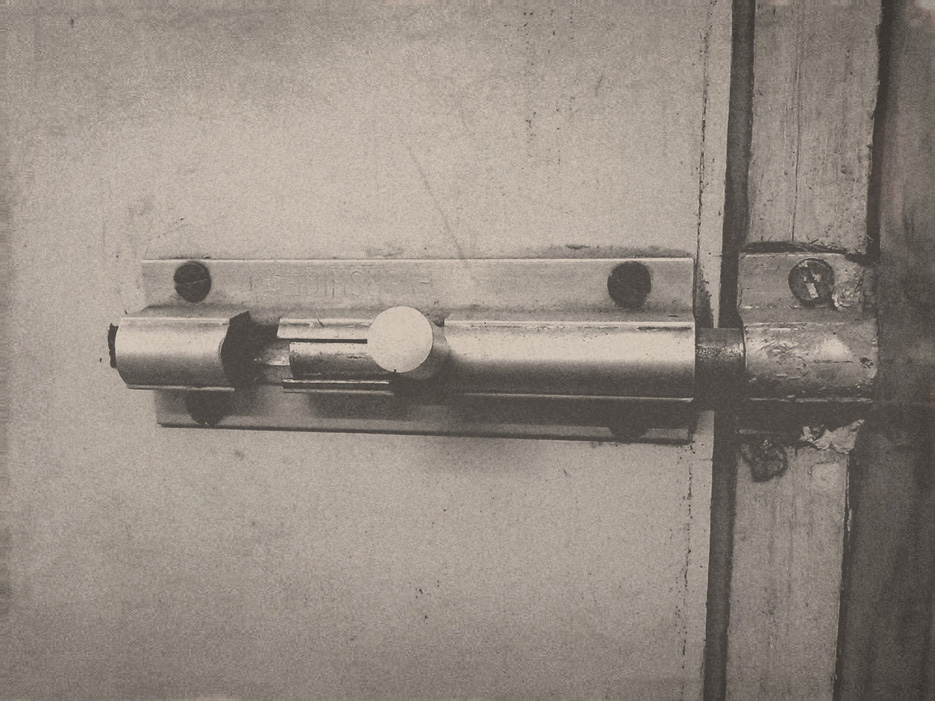
And the last mode is the Normal Mode, where you have options for No Color Filter; Mono; Negative; Solarize; Sepia; Posterize; Whiteboard [ which strengthens saturation ]; Blackboard [ black point addition effect ]; and Aqua.

Camera360ReviewPhoto27 Camera 360 : Android App : Review Naina.co photography

Camera360ReviewPhoto29 Camera 360 : Android App : Review Naina.co photography

Camera360ReviewPhoto34 Camera 360 : Android App : Review Naina.co photography

Camera360ReviewPhoto36 Camera 360 : Android App : Review Naina.co photography

Camera360ReviewPhoto38 Camera 360 : Android App : Review Naina.co photography

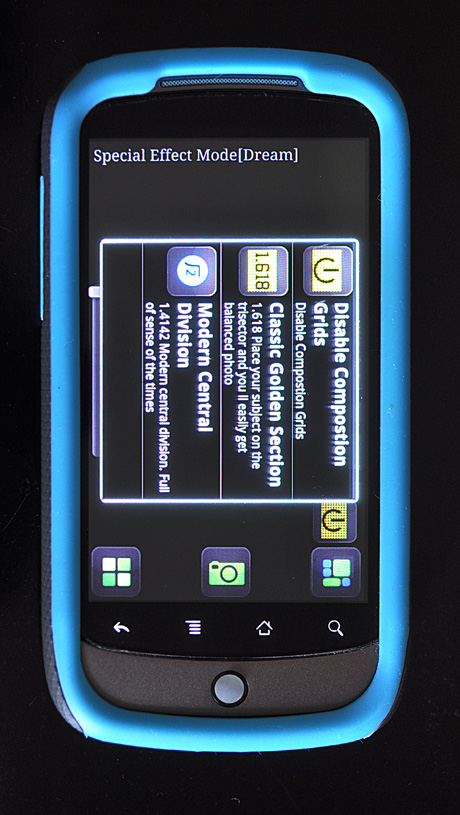
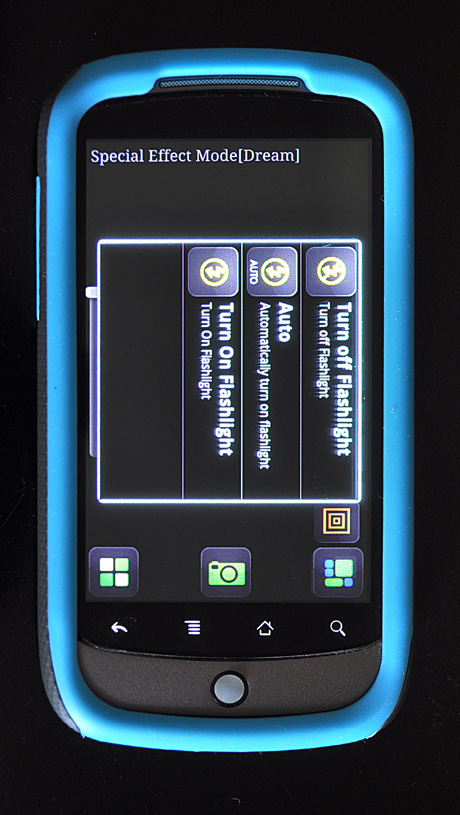
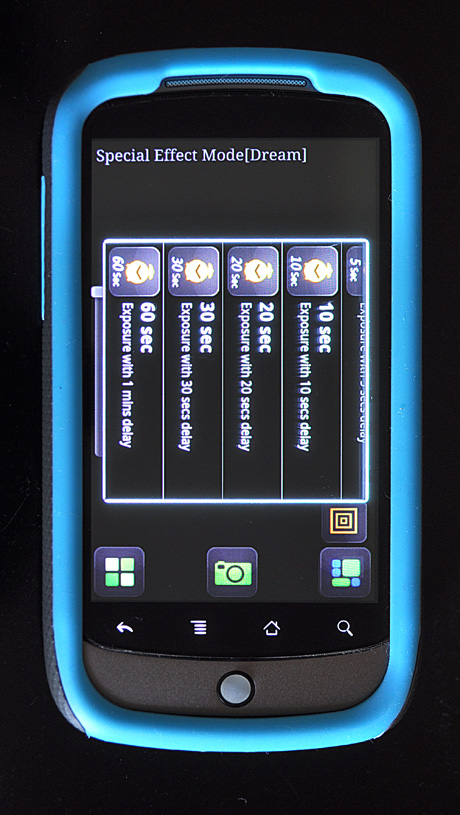
And if this wasn’t enough, you should also know that in any of these modes in Camera 360, you can adjust the following things in addition to mode-specific adjustments : decide whether you want to see Composition Grids, use a Classic Golden Section or a Modern Central Division; also adjust White Balance; Night shooting mode; Flash mode; exposure times; Auto or Infinite focus and a couple other focusing modes. PHEW!

Camera360ReviewPhoto31 Camera 360 : Android App : Review Naina.co photography

Camera360ReviewPhoto33 Camera 360 : Android App : Review Naina.co photography

Camera360ReviewPhoto37 Camera 360 : Android App : Review Naina.co photography

Camera360ReviewPhoto24 Camera 360 : Android App : Review Naina.co photography
Camera360ReviewPhoto25 Camera 360 : Android App : Review Naina.co photography

Camera360ReviewPhoto39 Camera 360 : Android App : Review Naina.co photography

Camera360ReviewPhoto41 Camera 360 : Android App : Review Naina.co photography

Camera360ReviewPhoto42 Camera 360 : Android App : Review Naina.co photography

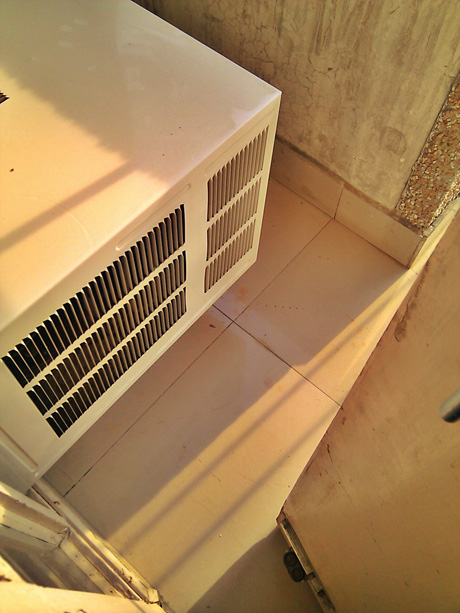
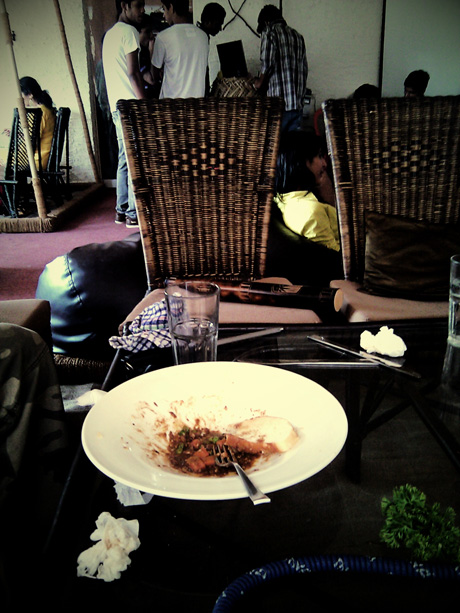
Scenes with good lighting will give you better results – unless you’re looking for a moody feel.

Camera360ReviewPhoto40 Camera 360 : Android App : Review Naina.co photography

Camera360ReviewPhoto43 Camera 360 : Android App : Review Naina.co photography

Camera360ReviewPhoto45 Camera 360 : Android App : Review Naina.co photography

Camera360ReviewPhoto42a Camera 360 : Android App : Review Naina.co photography
Camera360ReviewPhoto44 Camera 360 : Android App : Review Naina.co photography

I can’t possibly go into more details than the above! I can, however tell you how to buy the Pro version because I had a hard time getting it myself. Firstly, buying paid Android apps, if you are in India, is not possible via the Android Market – the pro links just don’t even show up. For this particular app, you will need a PayPal account or a Credit Card. Once you have the free version, and you launch the app, you will see a white screen telling you what’s available on the Pro version and a continue link below that. After clicking on the continue button, the app launches with the camera – now, if you press the back button on your phone, you will be taken to another white screen, which has the payment options etc. I had no idea I had to press the back button. At $3.99, Camera 360 for the Android is totally worth it.


Latest posts
  • Printed Photography Portfolio
  • Black Pepper Dessin
  • Rajasthan Fashion Week
  • Self Portrait Introduction
  • Adobe CS6 India Launch
  • The Luminous Portrait
  • Just another storm
  • Patchouli Love Affair


  • 3 responses so far, want to say something?

    1. sankarshan says:

      Following up what I said on Twitter – if you could arrange the photographs (in a smaller size) in a way that they line up with the text that describes them (an example can be seen at http://mostlylisa.com/blog/camera/#more-5328) it makes it easier to set expectations about the effects. Otherwise the browser scroll leaves nice but large pictures with smaller text boxes somewhat abruptly placed.

      And, “Firs” should perhaps read as first :)

    2. Lutin says:

      Thanks a million for taking the time to post sample photos. Some really good ones in there.

    3. Scott says:

      Great review. Thank you especially for the pictures. I just made the purchase for this app and had no idea it could do so much,

    Leave a Reply